GitHub
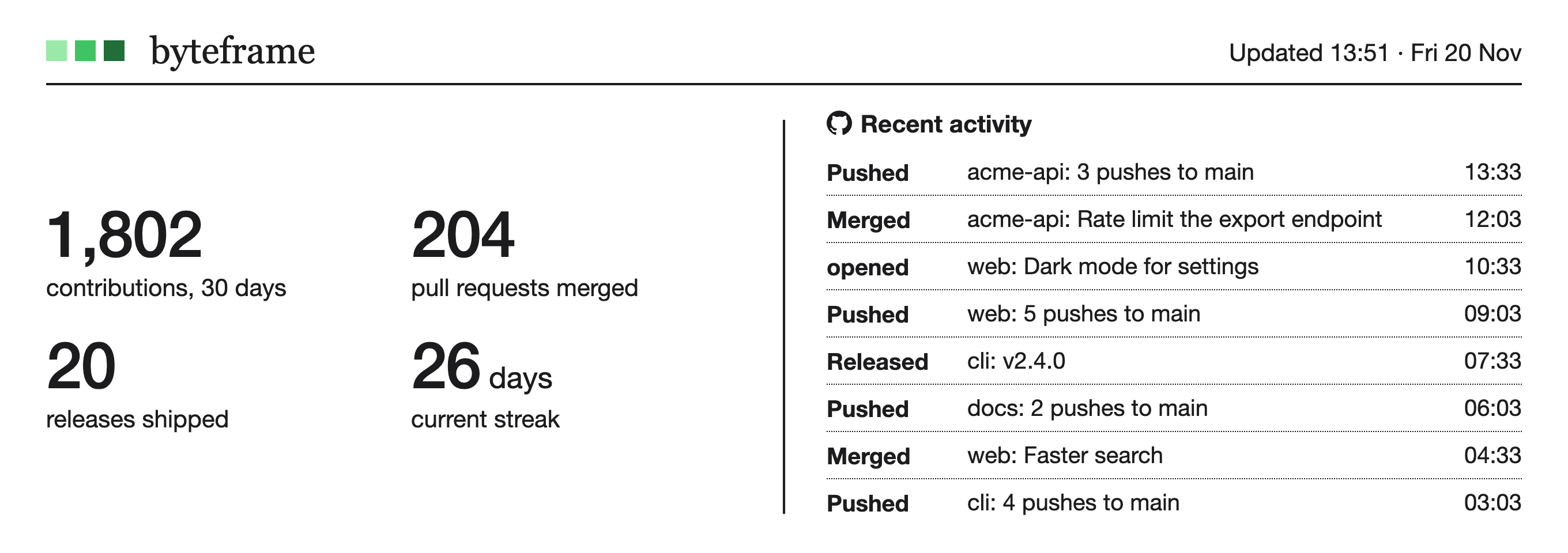
Your contribution calendar, streaks, pull requests, releases and recent activity.
Free for Mac · Apple silicon · macOS 26
Byteframe puts your GitHub year, your AI plans and your day on a calm card on your desktop. It updates every 30 minutes, and never sends your data anywhere.
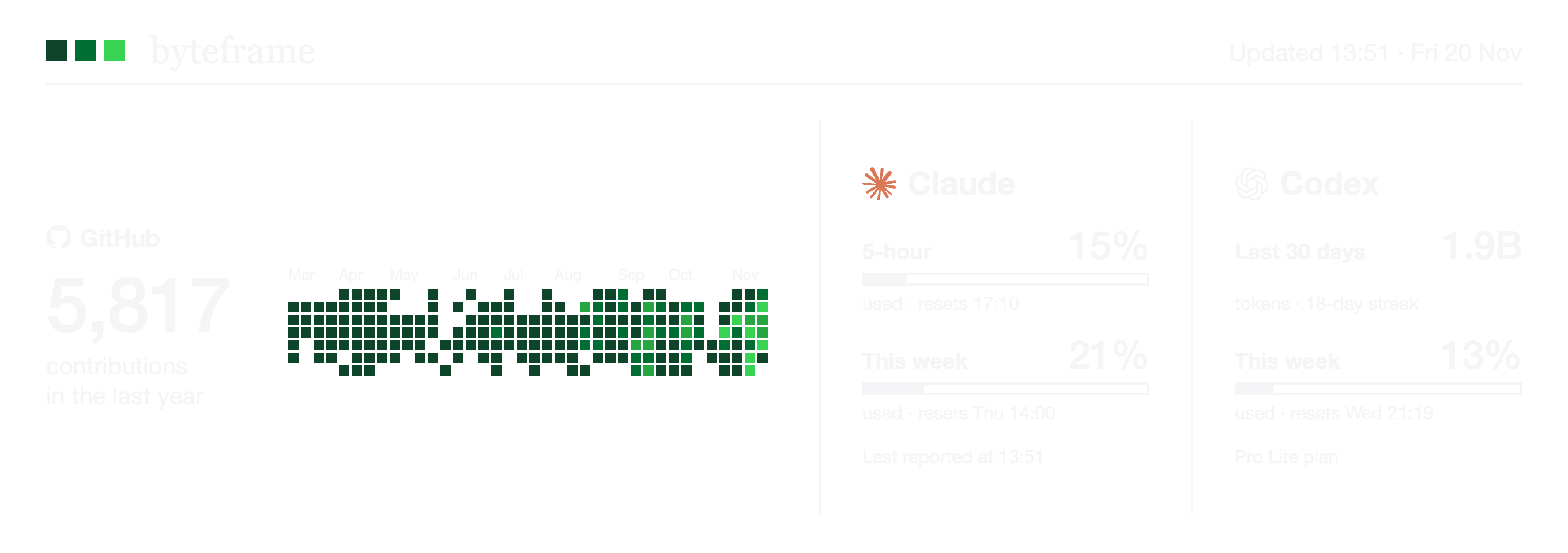
Your contribution calendar, streaks, pull requests, releases and recent activity.
How much of your Claude, Codex, Grok and Gemini limits you’ve used this week and when they reset, side by side.
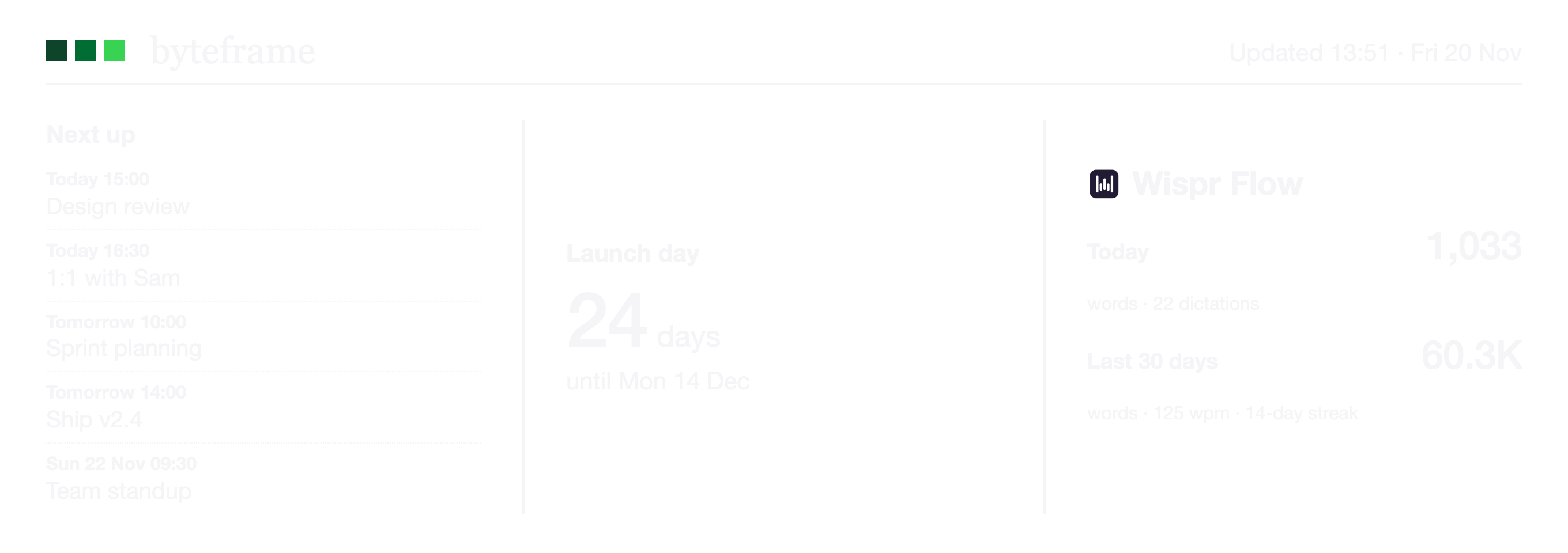
Your next meetings, a countdown to the date that matters, and how much you dictated with Wispr Flow.
Design your own pages from widgets. Byteframe cycles through them with a gentle flip.
Byteframe reads usage numbers from the tools already on your Mac: your GitHub login, Claude Code’s status line, the Codex and Grok apps, and Wispr Flow’s word counts. It never reads your code, your prompts or what you dictate, and it never sends anything to us.
Coming next
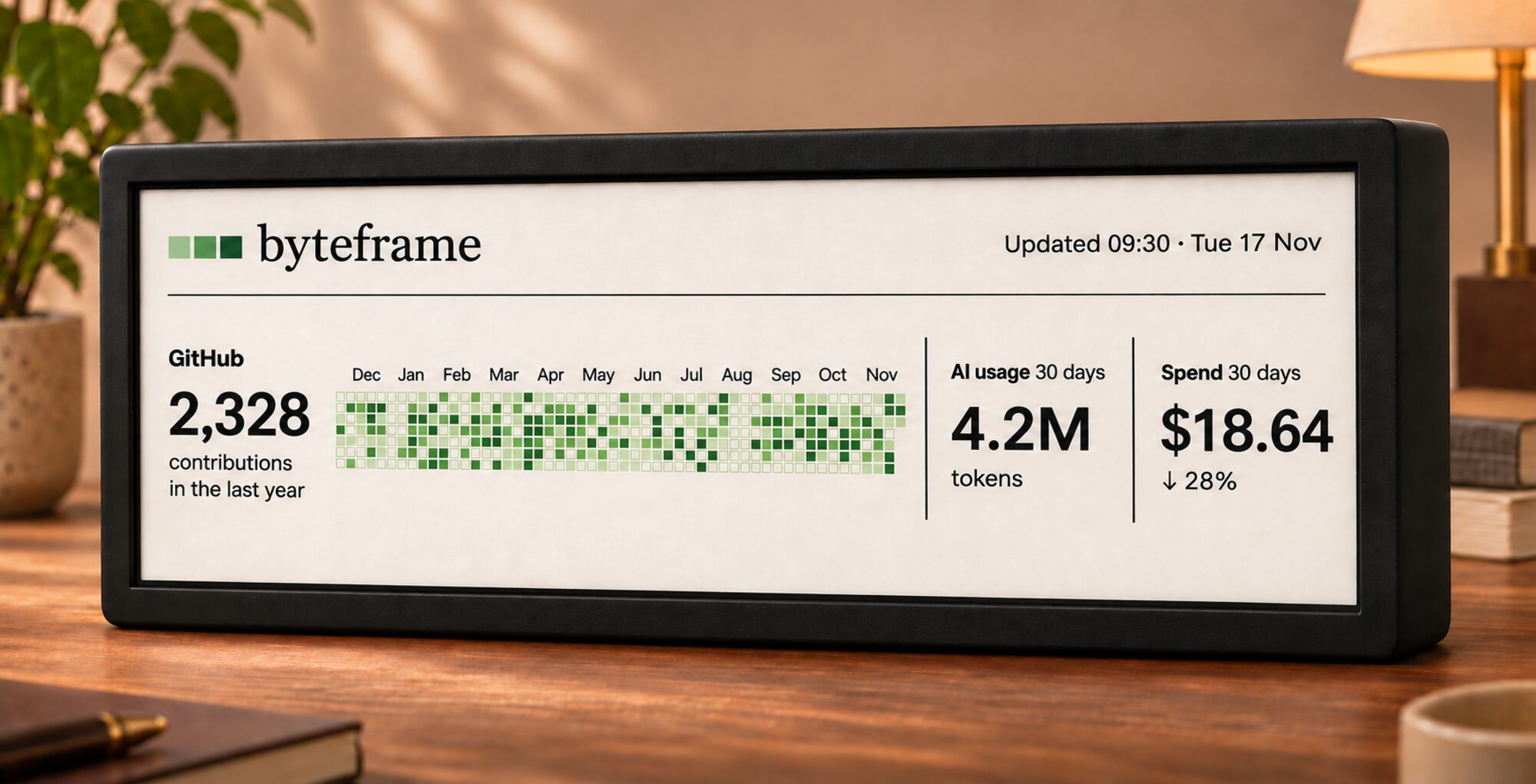
A 10.85-inch ultrawide e-paper display for your desk. The same pages, drawn on paper-like ink that’s readable in daylight and stays on without a glow.
Waitlist opening soon.
gh auth login.Needs a Mac with Apple silicon and macOS 26 or later. Signed and notarised by Apple.